Dashboards and Tool in Excel & Power BI
We help your data to tell you the right story
Category: Data Visualization
-
Excel Data Cleaning: Top Formulas and Functions
When it comes to data cleaning in Excel, several formulas are commonly used to manipulate, format, and clean data efficiently. Here are some of the most frequently used formulas for data cleaning: 1. TRIM The TRIM function removes extra spaces from text, leaving only single spaces between words. Formula: Example:If cell A1 contains ” Hello…
-
Creating a “magic visual” in Power BI using new parameters (Field and Numeric range)
Creating a “magic visual” in Power BI using new parameters, Field Parameters and Numeric Range Parameter (link to the official Microsoft site here ) involves combining field parameters and numeric range parameters to allow dynamic and interactive report features. Here’s a step-by-step guide to creating such a visual: Step 1: Enable Field Parameters Step 2:…
-
Power BI Dashboard Creation: Essential Best Practices and Optimization Tips
Creating a Power BI dashboard that is useful, efficient, and easy to maintain involves several best practices. Here’s a comprehensive guide to help you achieve this: 1. Understand Your Audience and Goals 2. Plan Your Dashboard 3. Data Preparation and Modeling 4. Design Principles 5. Interactivity and User Experience 6. Performance Optimization 7. Accessibility 8.…
-

Understanding DAX and M-Code: Tools for Data Modeling and Transformation
In the world of data analysis and business intelligence, DAX (Data Analysis Expressions) and M-Code are two powerful languages used primarily in Microsoft Power BI, Excel, and other related tools. Both languages have specific purposes and are crucial for data transformation and analysis. Here’s an overview of each, along with their differences and typical use…
-

Excel VBA Automation: Enhance Efficiency and Save Time
Automating tasks in Excel using Visual Basic for Applications (VBA) can significantly enhance efficiency, reduce errors, and save time on repetitive tasks. Here’s an overview of how you can use VBA to automate processes in Excel. Getting Started with VBA 1. Enabling the Developer Tab: 2. Opening the VBA Editor: Basic Concepts of VBA 1.…
-

Similarities between Excel and LEGO
Excel and LEGO, while fundamentally different in their purpose and form, share several interesting similarities, particularly in how they can be used creatively and flexibly to build complex structures. Here are some key parallels: 1. Building Blocks 2. Creativity and Flexibility 3. Learning and Mastery 4. Problem Solving 5. Community and Sharing 6. Applications Beyond…
-

Excel vs. Power BI: When to Use Each Tool for Data Analysis and Visualization
Excel and Power BI are both powerful tools for data analysis and visualization, but they serve different purposes and are suited to different scenarios. Here’s a guide to understanding when and why you might choose Excel over Power BI. Why Use Excel When to Use Excel Why Use Power BI When to Use Power BI…
-

Excel Skills: Advantages in Professional and Personal Use
Yes, knowing how to use Excel proficiently remains highly valuable in the world of work and beyond. Here are several reasons why Excel skills are still relevant: Professional Uses Non-Professional Uses Advantages of Excel Emerging Trends In summary, Excel remains a versatile and powerful tool in both professional and personal contexts. Its extensive range of…
-
Power BI vs. Tableau: A Comprehensive Comparison
In the realm of data visualization and business intelligence, two platforms stand out for their robust capabilities and user-friendly interfaces: Power BI and Tableau. Both are industry leaders, but they serve different needs and preferences. This article will delve into the key differences between Power BI and Tableau, helping you decide which tool is better…
-
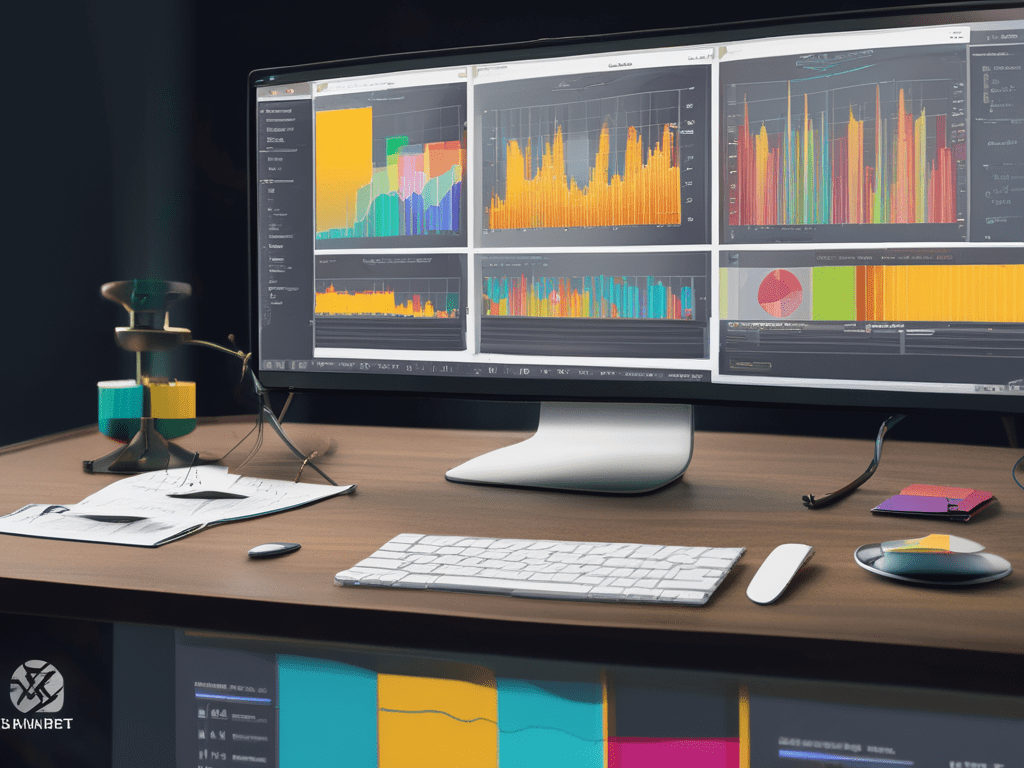
The History of Power BI
Introduction Power BI is a business analytics service by Microsoft, offering tools for aggregating, analyzing, visualizing, and sharing data. Its journey from inception to becoming one of the leading data visualization platforms is marked by continuous development and integration of advanced features. Here’s a detailed look at the history of Power BI. Early Beginnings 2010-2013:…
 EMZ: Data visualization, Data Artis